

Product Overview
DISCONTINUED The ZXP Series 3 card printer achieves fast print speeds and high image quality with Zebra’s ZRaster host-based image processing technology. Compact and easy to use, with attributes like Load-N-Go ribbon cartridge and LCD operating prompts. Meet a spectrum of applications with a full suite of buy-now or add-later encoding options, and a choice of connectivity for easy system integration.
Print one or both sides of the card with high-quality color or monochrome images for a variety of applications including ID and access control cards; personalized gift, membership and loyalty cards; financial cards.
Standard Features:
- Auto calibration of ribbon
- USB connectivity
- Microsoft Certified Windows drivers
- Energy Star Certified
- Print Touch NFC tag for online Printer documentation access
- 100 card covered feeder (30 mil)
- 45 card capacity output hopper (30 mil)
- 16-character LCD operator control display
- 300 dpi (11.8 dots/mm) print resolution
Warranty Information:
- Two-year warranty on printer
- Two-year (unlimited passes) original printhead
- One-year hot swap (U.S. only)
Printer Specifications:
- Dye-sublimation thermal transfer direct to card Full color or monochrome printing
- Single- and dual-sided printing
- 700 cph monochrome single-sided
- 180 cph single-sided YMCKO
- 140 cph dual-sided YMCKOK
- Edge-to-edge printing on standard CR-80 media
Optional Features: Call for Optional features and prices
Supplies for this printer
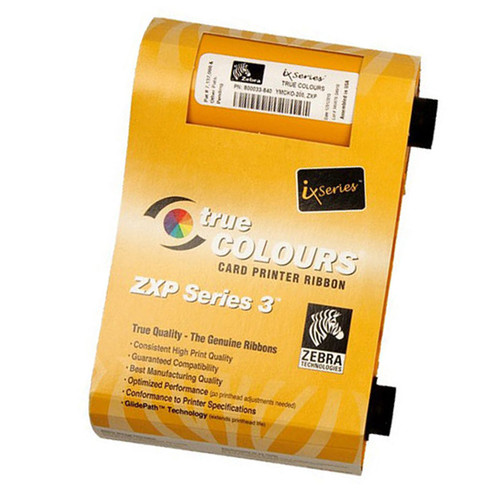
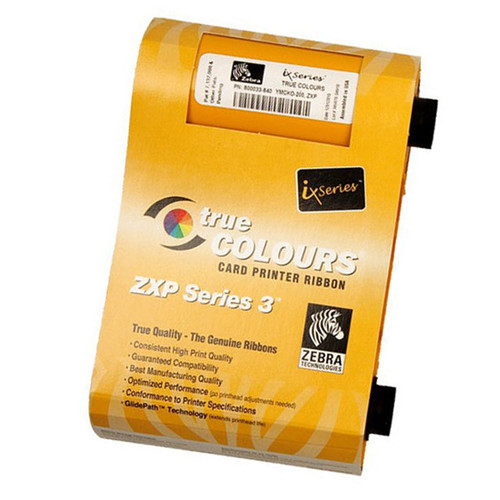
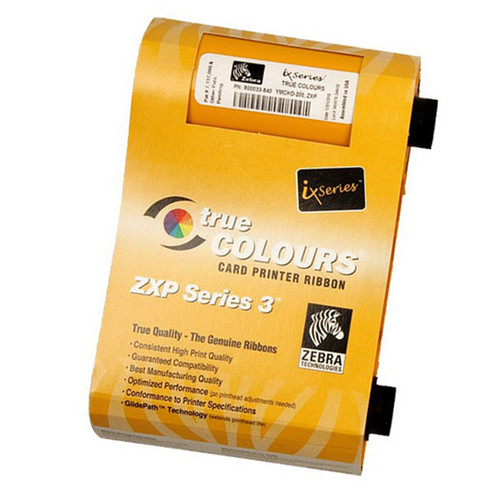
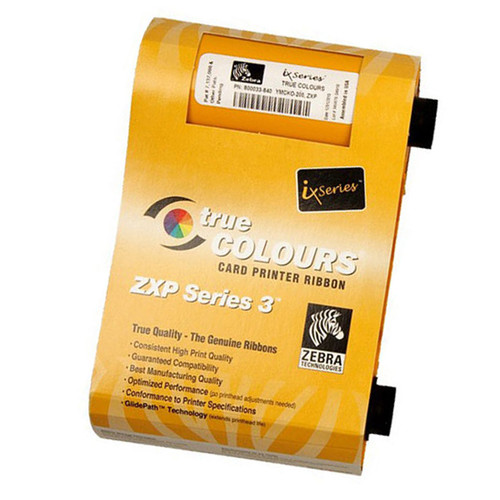
- Ribbons:
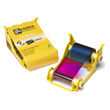 800033-840 Zebra ix Series YMCKO Color Ribbon, 200 images
- 800033-340 Zebra ix Series High Capacity YMCKO Color Ribbon, 280 images
- 800033-848 Zebra ix Series YMCKOK Color Ribbon, 165 image
- Supplies:
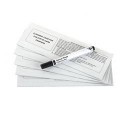
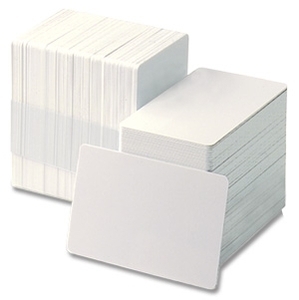
Associated SKU's: Z31-00000200US00, Z31-0M000200US00, Z31-000C0200US00, Z31-0M0C0200US00, Z32-00000200US00, Z32-0M000200US00, Z32-000C0200US00, Z32-0M0C0200US00
Warranty Information
Product Videos
Videos Hide Videos Show Videos
-

Zebra ZXP Series 3 Card Printer Overview
The Zebra ZXP Series 3 is reliable and easy to use. It is eve...
-
Zebra - ZXP Series 3: Getting Started
How to prepare your ZXP Series 3 printer for use To learn mor...
-
Zebra - ZXP Series 3: Loading Ribbon
How to load ribbon into your ZXP Series 3 Printer To learn mo...
-
ZXP Series 3: Loading Cards
How to load cards into your ZXP Series 3 Printer To learn mor...
-
Zebra - ZXP Series 3: Cleaning the Printer
How to clean your ZXP Series 3 Printer To learn more about Ze...
-
ZXP Series 3: Using the Zebra Print Touch™ Feature
How to use the Zebra Print Touch™ feature on your ZXP Series ...
-
Zebra ZXP Series 3 Printer - Feeding Cards Manually
For Custom ID Cards, Printers, or Verification Software visit ...